


Making Wind Simulations in Grasshopper: Turning Wind Into a Design Partner
The moment you stop treating wind like a problem and start treating it like a partner, your building changes.
Wind can be a frustrating, invisible force you must build against. It’s a factor that usually only comes up late in the process, often to fix a comfortable draft or unexpected turbulence.
But when you run a wind simulation in Grasshopper, the whole conversation flips. Wind stops being an annoyance and becomes a fascinating behavior you can study. This is the point where architecture shifts its focus: from mere guesswork to informed observation.
Why You Need to See the Invisible
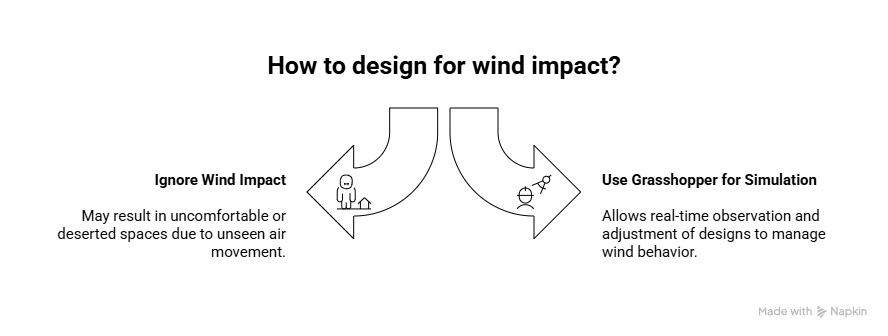
Wind is an invisible force, but its impact is anything but.
Think about a new outdoor courtyard, a high traffic lobby entrance, or a complex facade pattern. The difference between a comfortable, inviting space and a windy, deserted spot often comes down to unseen air movement.
Grasshopper gives designers the power to see that invisible behavior.
It means you can understand how air moves, accelerates, or calms around your building. You’re not just predicting the future; you’re watching the environment react to your design in real time.
Grasshopper: Your Wind Translator
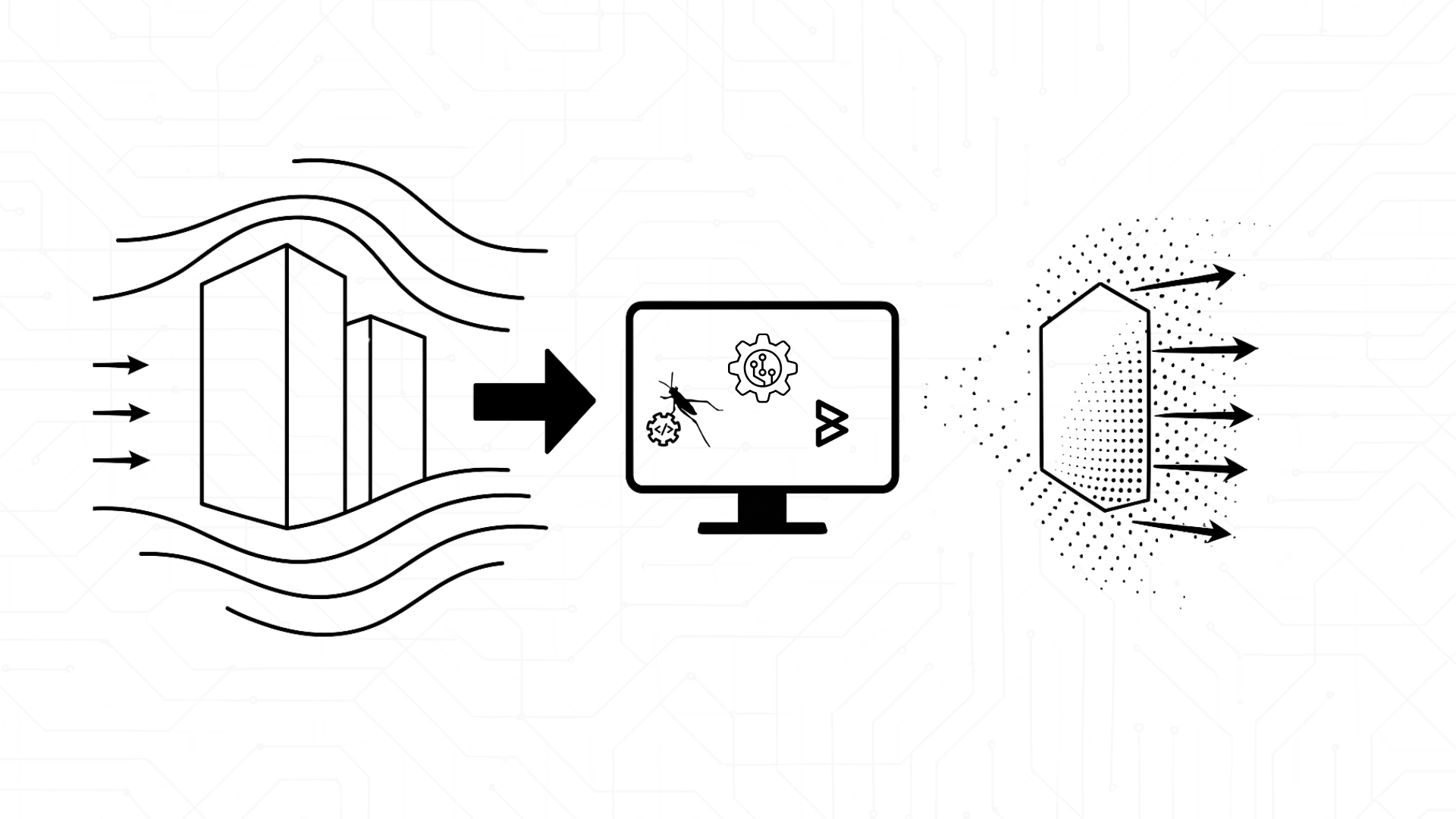
At its heart, wind simulation in Grasshopper simply connects your building’s geometry to the laws of physics.
You feed the system your building’s form, the surrounding boundaries, and your design goal. In return, the software shows you exactly how the wind flows, where it gets trapped, where it speeds up, or where it gently curls around your form.
You can instantly test alternate facade patterns, run through different building orientations, and see where the outdoor microclimate improves or where uncomfortable turbulence appears. It transforms design into a fluid dialogue:
Change something. Watch the wind respond. Iterate smarter.
The Simple Workflow Teams Love

Most design teams follow this clear path in Grasshopper, often using specialized plugins like Butterfly or Eddy3D:
- Import the shape: Load the basic building form/forms.
- Set the stage: Set the definition and define environmental parameters, like the prevailing wind direction and comfortable wind speed threshold.
- Run the simulation: Hit the button.
- Read the story: Interpret the results and visualize, using color gradients to show speed, vector arrows to show direction, and flowing streamlines to show the path.
- Adjust and test again: Tune the geometry and re-run the process.
The real power is in this quick loop. A tweak to a cantilever or a shading element can completely change how the wind behaves across an entire plaza or podium deck.
Quantifying the differences in designs
You’ll start generating real metrics, which are instantly stronger than any simple hunch. For example, your reports won’t just say, “The corner is windy.” They will provide precise, useful insights you can show your client:
Instead of wondering whether the wind is too strong you can say: We’ve identified a spot near the lobby entrance where the wind speed doubles due to corner acceleration, but adding a simple radius to that edge reduces the turbulence by nearly 40%
You can say: Our facade fins aren’t just decorative; they actively disrupt the airflow, leading to a noticeable reduction in wind intensity across the seating area of the podium deck.
This is how simulation data turns into a powerful, clear narrative: it replaces vague problems with specific solutions.
Simple Truths Discovered in the Wind
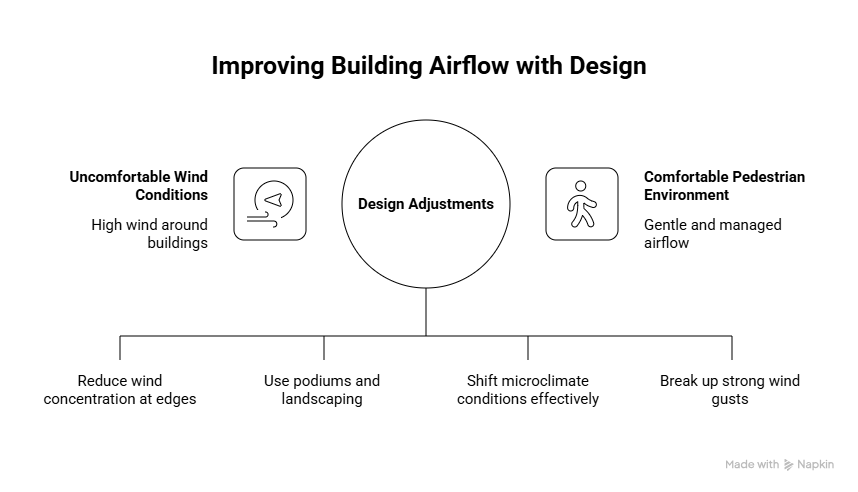
There are patterns about buildings and air, including:
- Sharp corners are magnets for high wind. A small softening of a building’s edge can have a huge positive impact on pedestrian comfort below.
- Tall buildings push air down. This “downwash” effect can be gently managed using podiums, protective canopies, and strategic landscaping to break up the flow.
- Orientation matters deeply. Rotating a building massing by just a few degrees can shift microclimate conditions in meaningful ways.
- Perforated facades are air diffusers. A patterned screen can gently break up strong gusts without requiring a redesign of the entire building envelope.
These aren’t hard rules, but rather behaviors you discover and can design for while working in the digital environment.
Conclusion: Designing With the Environment, Not Against It
Wind simulation in Grasshopper is a way of thinking. You stop designing your building in isolation and start designing with the environment as your collaborator.
When your project responds gracefully to natural forces, instead of fighting them, two things happen: performance improves, and the design gains a level of intelligence that only simulation driven workflows can reveal.
Leading firms like Borg Markkula understand this value deeply. They don’t just rely on these computational workflows; they help design teams seamlessly integrate them. By blending Grasshopper’s power with clear, visual results, they turn raw simulation data into a compelling story that clients can immediately grasp, leading to more impactful and better performing buildings.