



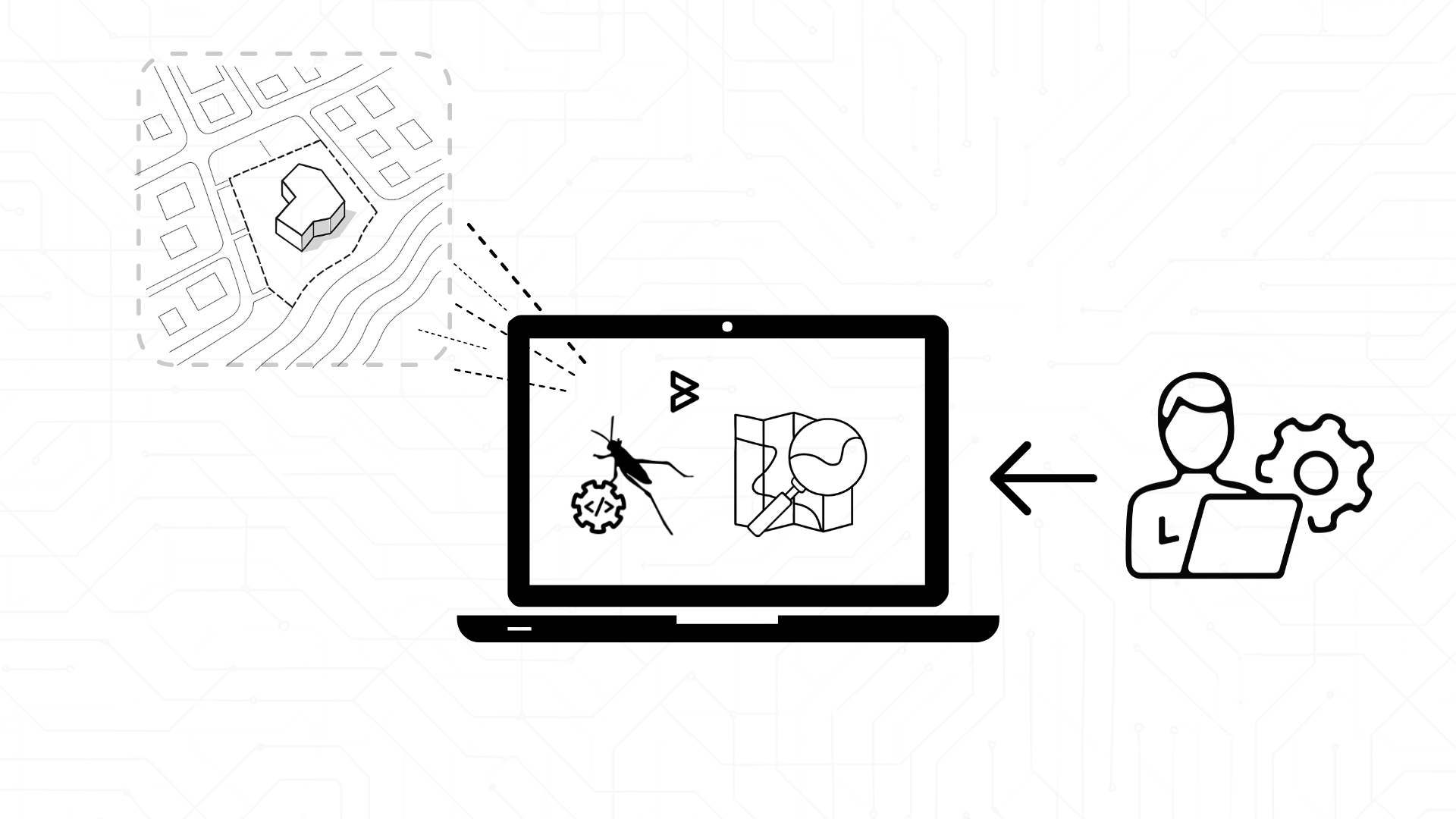
Why Designers Are Done Starting From Nothing in Grasshopper
Have you ever opened a blank Rhino file, ready to model a site, and suddenly felt stuck?
Not because you lack ideas, but because the model has no world around it yet.
No roads. No surrounding buildings. No terrain. No context that the design can actually respond to. This is where many parametric workflows quietly fail.
Not later during analysis or detailing, but right at the start.
Designs do not exist in isolation, yet we still begin as if they do. Starting from an empty canvas delays real decisions and pushes context to the sidelines.
OpenStreetMap changes that starting point.
What once took hours of tracing and cleanup can now appear in Grasshopper within seconds, clean, parametric, and ready for analysis.
And the best part?
These tools are open, reliable and widely used in practice. Here are the four plugins that make it possible: Elk, Heron, Gismo , essential companions for building real-world, analysis-ready models.
The Story Starts With a Simple Need: Context That Behaves Like Geometry

Designers don’t just want a “picture” of the surrounding city.
They want streets they can snap onto, buildings they can extrude, terrains they can simulate wind across, and boundaries they can parametrically adjust.
OSM data provides that raw material.
Grasshopper plugins turn it into a working model.
But each plugin approaches this in its own way, depending on how much control, automation or GIS depth the designer needs.
Elk: The Classic Mapmaker’s Toolkit
If you’ve ever watched a student or professional preparing a site model in Grasshopper, you’ve likely seen Elk in action.
Elk takes OpenStreetMap extracts and terrain files and structures them into clean, intuitive Grasshopper outputs:
- Roads become polylines.
- Building footprints become closed curves.
- Rivers, coastlines, rail networks, all become editable geometry.
- Terrain meshes can be built from SRTM or USGS elevation sources.
The workflow is simple: export the OSM file, feed it into Elk, filter the layers you want, and you instantly have a base model.
Why people love Elk:
- It’s extremely predictable.
- It plays nicely with everything else.
- And it gives designers a clear, structured way to build a site even before the first line of design is drawn.
Heron: When You Need True GIS Power
Heron is what designers pick when they want to work the way GIS engineers do, but without leaving Rhino.
It integrates deeply with geolocation tools, uses GDAL under the hood, and brings in OSM in two powerful ways:
- Import OSM files from your computer.
- Or fetch OSM data directly from online services like Overpass.
That means you don’t always have to download anything manually.
You sketch a boundary, request the OSM data inside it, and Heron brings it in.
What makes Heron special:
- You stay fully georeferenced.
- You can combine OSM with aerial imagery, DEMs, shapefiles and more.
- You can clip, filter and rebuild context with precision.
Gismo: For Designers Who Want Environment-Ready Urban Models
Some plugins focus on data.
Gismo focuses on the environment that data enables.
Give it an address or a coordinate and a radius, and Gismo builds:
- 2D footprints for buildings, trees, roads and rivers.
- 3D extrusions based on OSM tags like height or building levels.
- Terrain from OpenTopography sources.
But the real magic is what happens after that.
Gismo’s geometry is structured to plug into environmental analysis workflows, visibility, solar exposure, comfort studies, CFD prep and more.
This makes it ideal when your design process begins not with the building, but with the conditions the building must respond to.
So Which One Should a Designer Use?

There’s no single winner.
Instead, each plugin reflects a different design mindset:
- Elk if you want a clean, stable foundation for site models and terrain.
- Heron if you need georeferenced accuracy and multi-layer GIS workflows.
- Gismo if you’re preparing your design for environmental or comfort simulations.
What matters is not the plugin itself, but whether the data it brings in behaves like design geometry, editable, parametric, and ready for analysis.
Good context doesn’t just frame a design.
It guides it.
It shapes decisions, reveals constraints, exposes opportunities and prevents costly surprises during fabrication, assembly or client review.
With OpenStreetMap and Grasshopper, that context becomes immediate and intuitive, a living input you can shape, test and build upon.
A Subtle Note Before You Go
If you’re exploring OSM-based workflows and want to connect them with parametric modelling, environmental simulation or manufacturing-aware design, the team at Borg Markkula works with these tools every day.
You’re always welcome to reach out for a short conversation if you’d like to see how similar workflows can support your projects. https://calendly.com/kane-borgmarkkula/30min?month=2025-12
Sometimes a simple discussion can unlock a completely new way to work.