



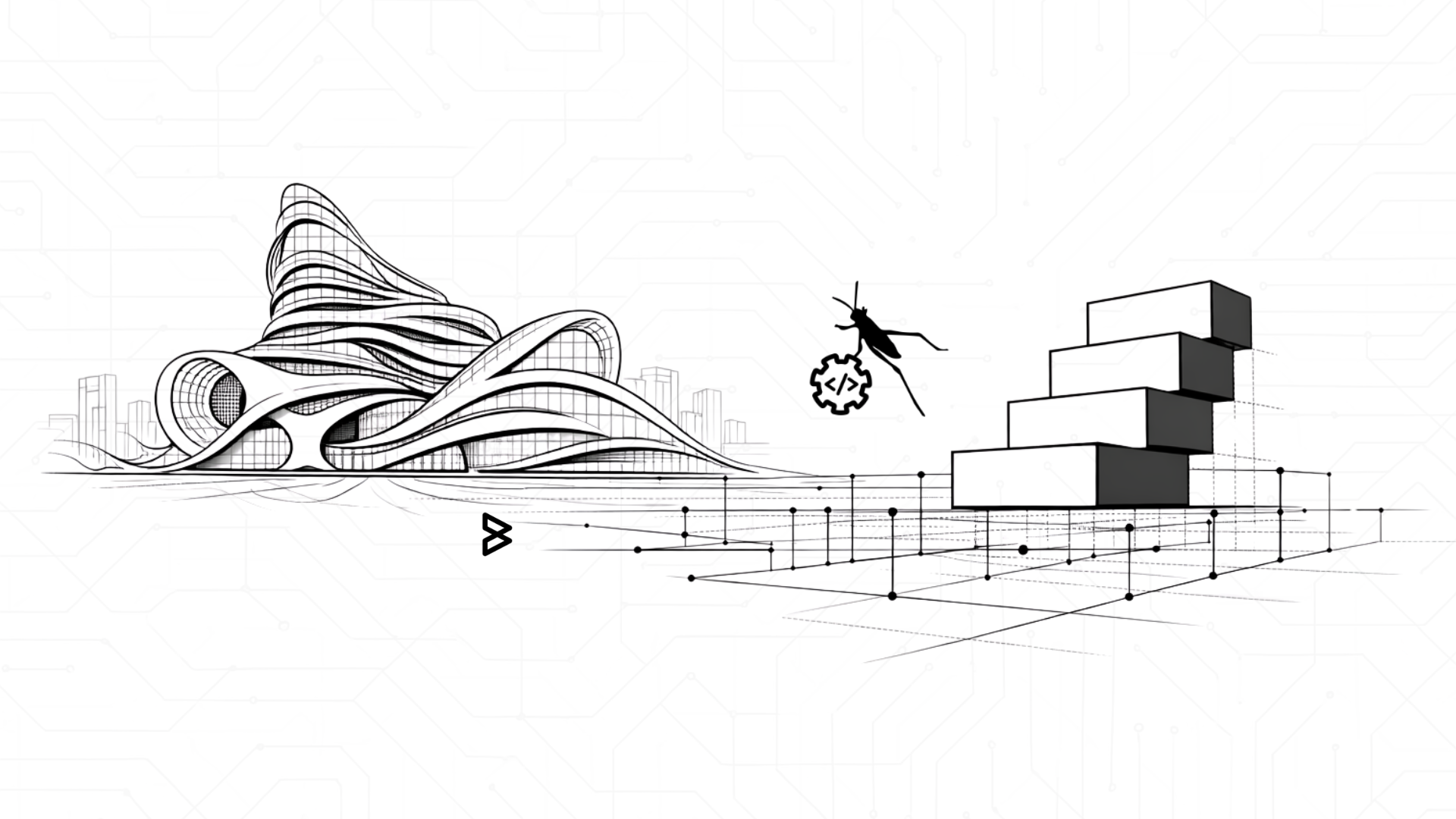
Stop Designing Melted Spaceships: The Truth About Grasshopper
Raise your hand if the moment someone mentions “Grasshopper,” your brain immediately flashes to a picture of a melted spaceship building that defies the laws of physics.
You aren’t alone. Most of us see those sweeping, liquid curves and think, “That’s incredible, but I’m just trying to finish a 10-story office block by Friday.”
Welcome to the first post in our Grasshopper Myths series. Today, we’re tackling the biggest misconception in the industry: the idea that Grasshopper is a “specialty tool” reserved for the avant-garde.
The “Zaha” Effect: Why We Got It Wrong

Let’s be honest, Zaha Hadid Architects (ZHA) changed the world. Projects like the Heydar Aliyev Center in Baku are architectural masterpieces. They are mathematically sublime, breathtakingly fluid, and by every standard construction definition.
Because ZHA and other pioneers used Grasshopper to solve the nightmare-level geometry of these “funky” buildings, the software got a reputation. It became “the tool for blobs.” Designers began to think that if they weren’t building a museum shaped like a sand dune, they didn’t need it.
Here is the reality: Grasshopper is not a “shape maker.” It is a logic engine. Using Grasshopper only for crazy curves is like buying a high-end NASA computer just to play Solitaire. It’ll do it, but you’re missing the point. Grasshopper doesn’t care if your building is a sphere or a simple box; it just cares about the rules you give it.
5 “Normal” Workflows That Prove It’s Not Just for Blobs
If you think your project is too “standard” for Grasshopper, consider these five everyday scenarios where the “weird shape tool” is actually a productivity powerhouse:
1. The Living Office Stack
Imagine a standard rectangular 20-story tower. The client wants to test three different floor-to-floor heights to see how it affects the total building height and shadow cast. In traditional CAD or manual BIM, that’s a day of tedious “stretching” and recalculating.
- The Grasshopper Way: You create a “Box” component and a “Series” component. Move a slider from 12ft to 13.5ft, and every floor, core, and facade panel updates in real-time. It turns a “What if?” into a “Done.”
2. Accurate Timber Framing in Seconds
Laying out studs and joists for a standard residential wall is the definition of “non-creative labor.”
- The Grasshopper Way: Instead of drawing 500 lines, you draw one baseline. A script places a 2×4 stud every 16 inches, automatically doubles them at corners, and leaves gaps for windows.
3. Parking Lot Optimization
Fitting the maximum number of standard $9′ \times 18’$ parking stalls into an irregular site is a giant puzzle.
- The Grasshopper Way: Using a “Packing” algorithm, you can instantly test 50 different orientations of the parking grid to find the one that yields the highest stall count.
4. Automated Environmental Analysis
You don’t need a curvy building to care about the sun.
- The Grasshopper Way: By using the Ladybug plugin, you can run a solar radiation analysis on a perfectly flat curtain wall. This tells you exactly which windows need high-performance glazing and which don’t—saving your client thousands in material costs.
5. Cleaning Up the “BIM Mess” (Data Management)
Sometimes, the best use of Grasshopper isn’t 3D at all, it’s managing spreadsheets.
- The Grasshopper Way: Using Rhino.Inside.Revit, you can take an Excel list of 400 door hardware specs and push that data directly into Revit parameters. No manual typing, no typos.
Real-World Insights: By the Numbers

When we look at how the industry actually uses these tools, the “weird shapes” are actually the minority.
- Efficiency Gains: According to a report by the UK BIM Alliance, automation in design (like Grasshopper workflows) can reduce time spent on repetitive tasks by up to 30-40%.
- Data Accuracy: Industry research from Dodge Construction Network suggests that data errors account for a significant portion of project rework. Using Grasshopper to bridge the gap between Excel and BIM (like Revit) significantly reduces these “human-entry” errors.
- Sustainability: A study published in Sustainability (MDPI) highlights that using Grasshopper-linked environmental tools allows architects to optimize building orientation for an average 10-15% reduction in cooling loads before a single brick is laid.
The Bottom Line: It’s About Your Time
Grasshopper isn’t a “shape maker” & it’s a rule follower. Whether those rules create a wild Zaha-style curve or a perfectly optimized, boring-but-profitable rectangular warehouse is entirely up to you. Don’t let the reputation of “melted spaceships” scare you away from the practical magic of getting home on time because you automated your most tedious tasks.
Does your team have the right talent to handle the shift to automated design? Adopting these workflows can feel like a steep climb when you’re already buried in project deadlines. At Borgmarkkula, we help bridge that gap. We specialize in supporting architectural and engineering teams with the talent infrastructure they need to integrate tools like Grasshopper into their daily bread-and-butter projects, not just the “weird” ones. We make sure your team has the support to stay ahead of the curve (even if you’re designing straight lines).
Book a 30 minute call to see how we can support your next project.
https://calendly.com/kane-borgmarkkula/30min